Artwork Identifier
Guides
How to identify a painting
Whether it's a work in a museum, a print in a café or a painting you inherited, these seven steps — from quickest to most thorough — will usually tell you what it is and who made it.

- Snap it with an artwork identifier appFor well-known works, a photo is enough: the app tells you the title, artist, date and the story. Hold the phone straight to the canvas and avoid glare.
- Reverse image searchUpload the photo to Google Lens or Bing Visual Search. Crop out the frame and wall; famous works and prints usually show up in seconds.
- Look for a signatureCheck the lower corners first, then along the edges. Photograph it in raking light (a torch held at a low angle). Partial signatures can be matched against signature databases and auction records.
- Turn it overGallery stickers, exhibition labels, framer's stamps, inventory numbers, canvas maker's stamps and handwritten titles are all clues. Photograph everything before removing anything.
- Check whether it's a printUnder a magnifier, printed reproductions show a regular dot pattern. A real painting has raised brushstrokes and uneven texture.
- Identify the style and periodBrushwork, palette and subject point to a movement and era, which narrows the search. Our art styles guide and style finder help.
- Ask the expertsMuseum curators, auction houses and art historians often answer enquiries with good photos of the front, back and signature.
Good photos make everything easier
- Daylight, no flash, no filters.
- The whole work straight on, plus close-ups of signature, texture and the back.
- Include a ruler for scale if you're asking experts.
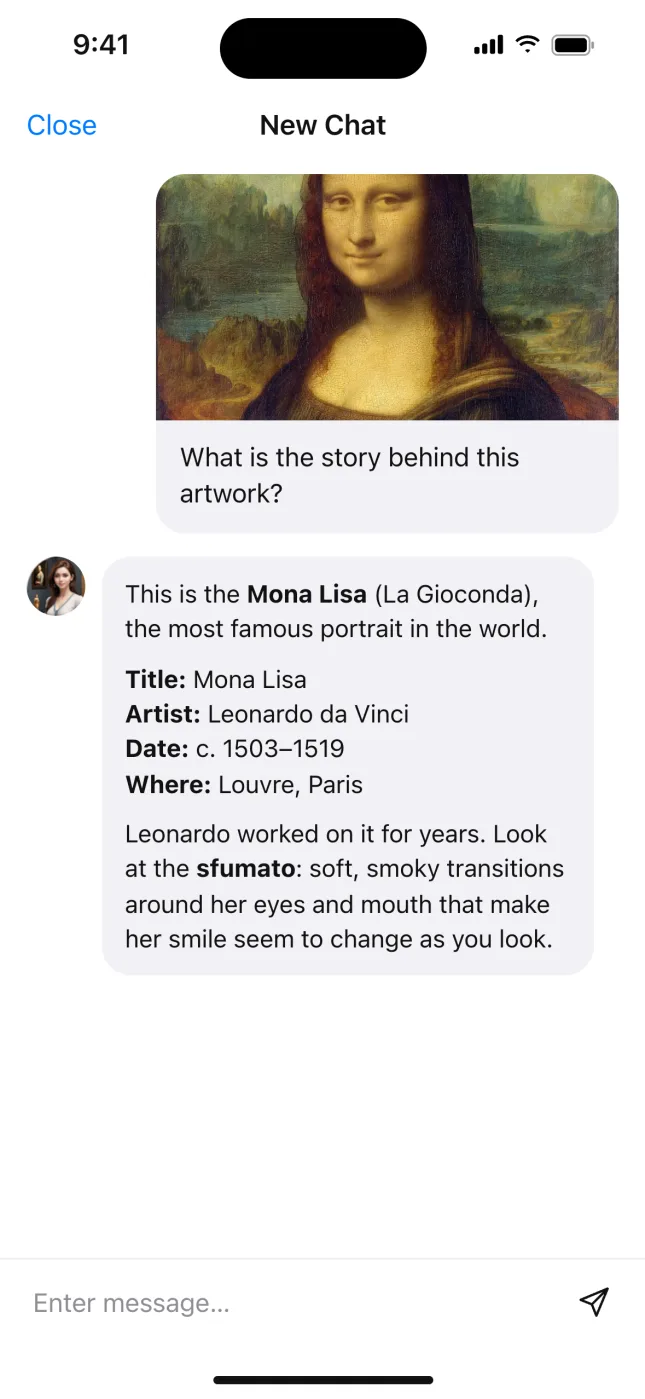
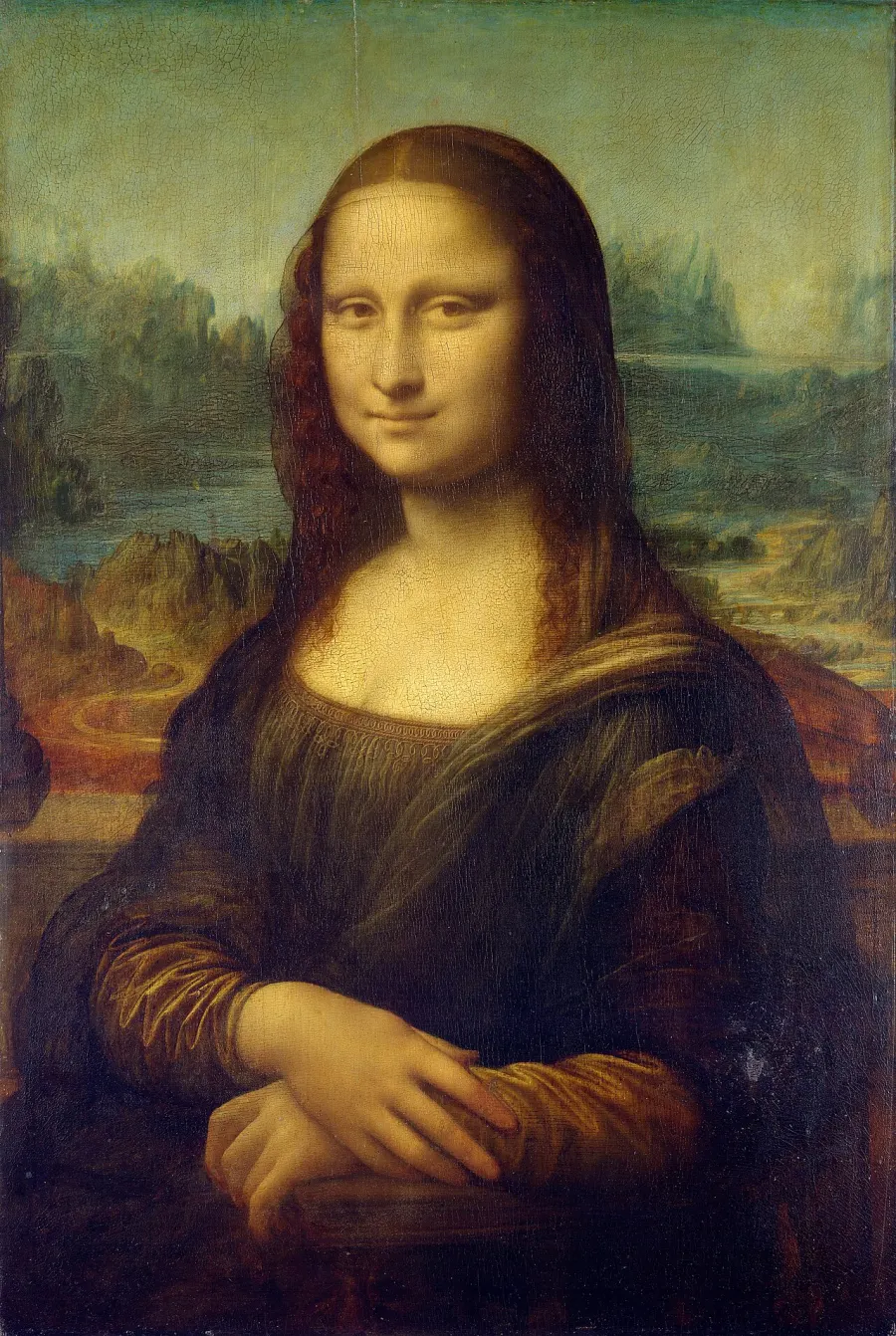
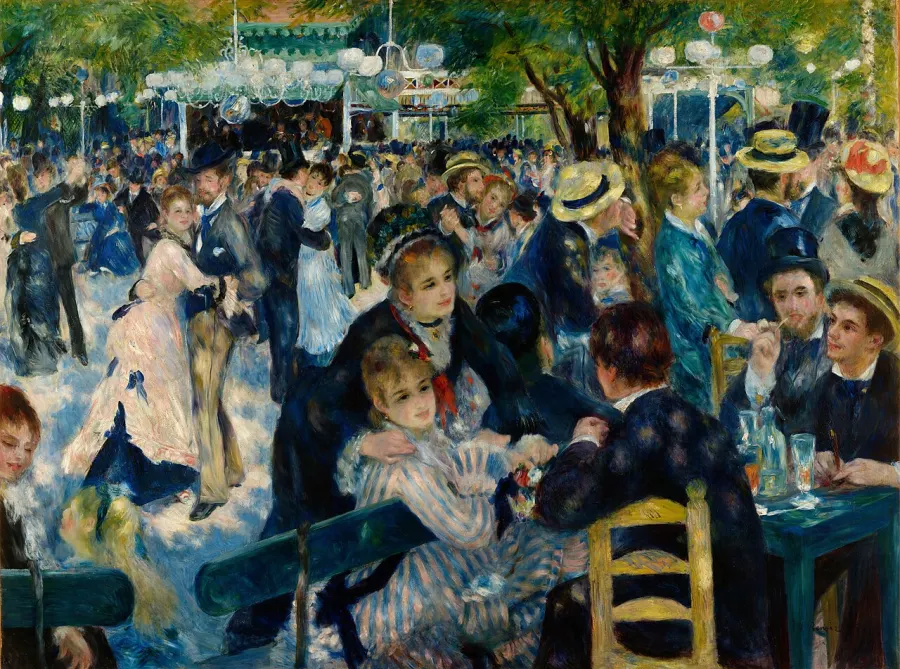
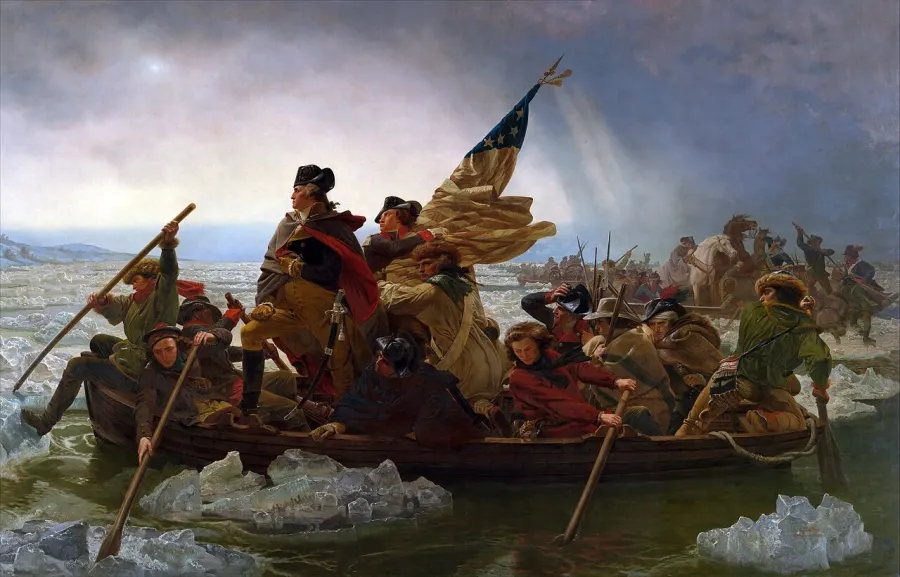
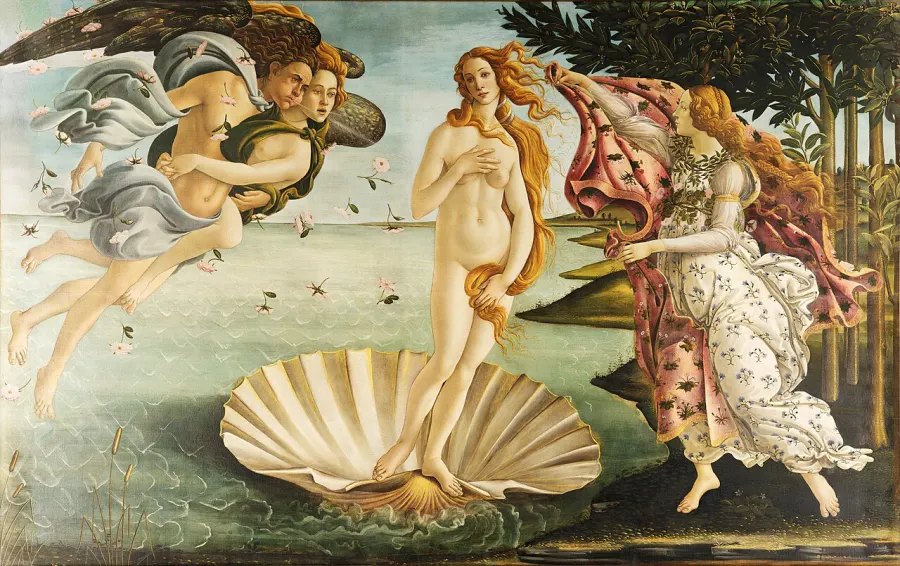
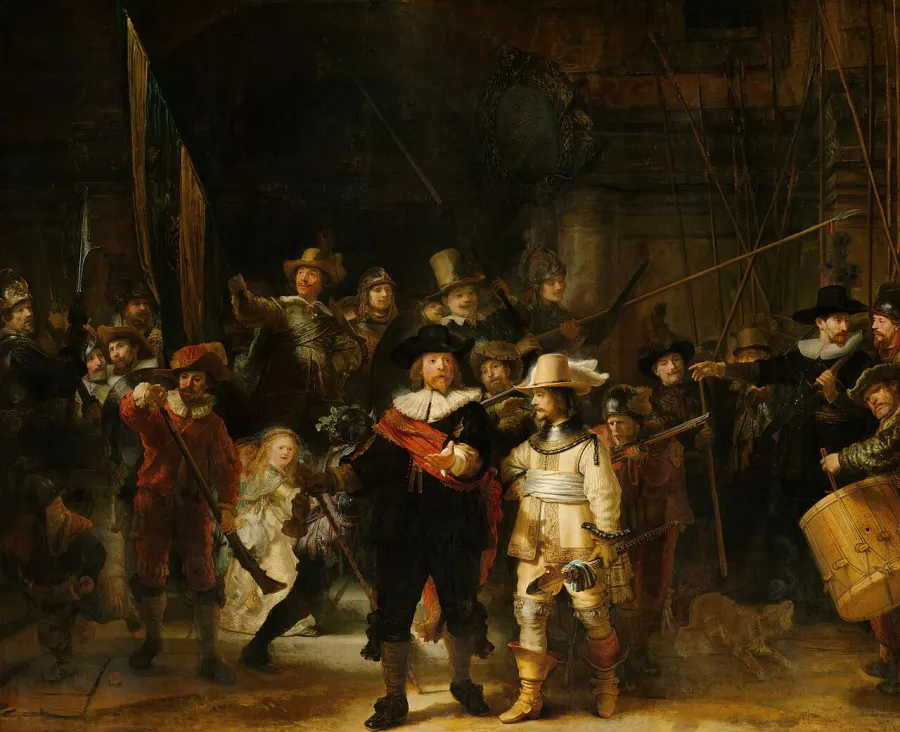
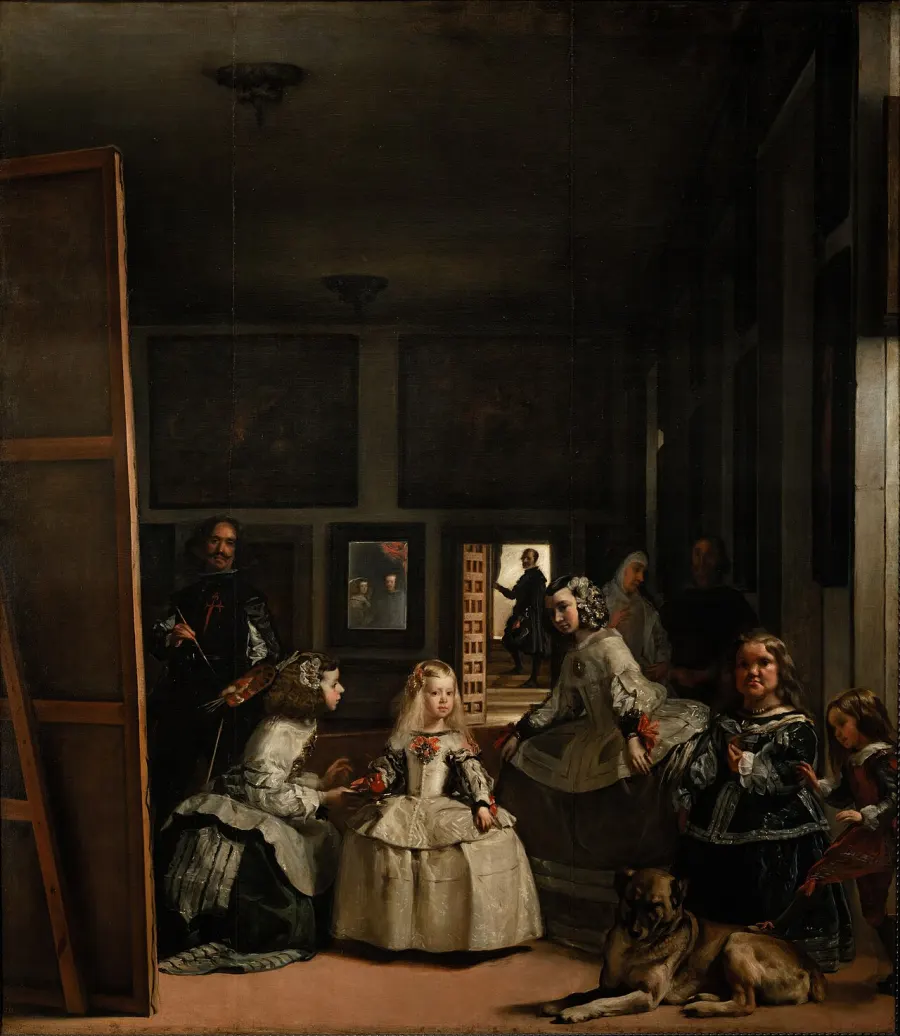
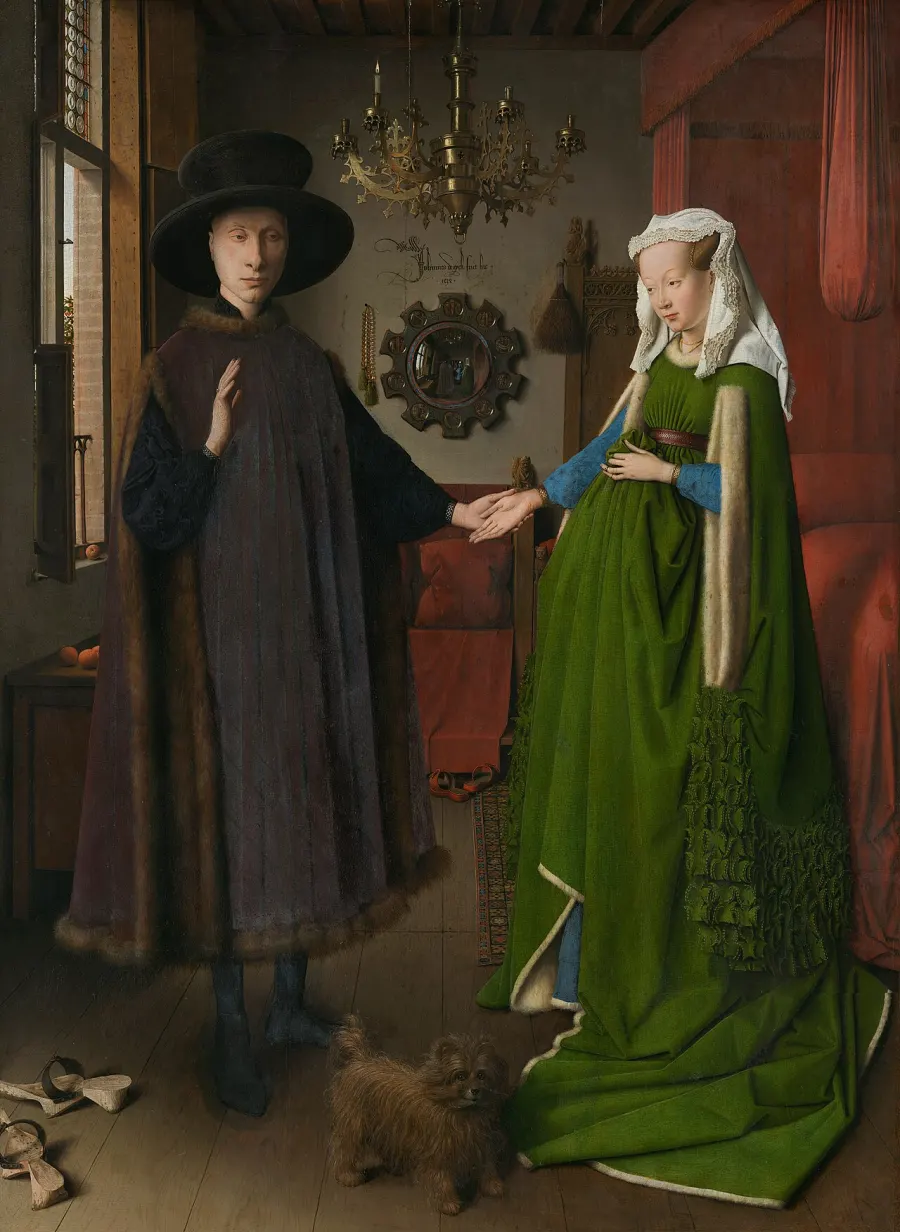
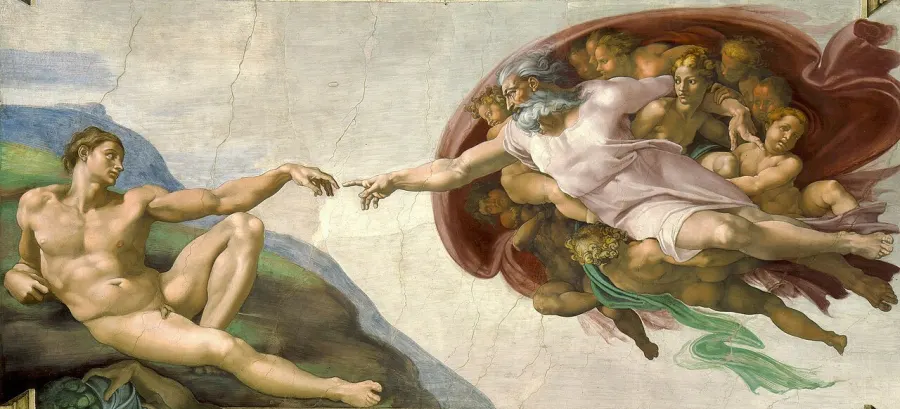
This is how the app answers: artist, title, date and the story behind the work.


FAQ
Can I identify a painting from a photo?
Yes. For famous works and their reproductions, an app or reverse image search usually finds it immediately. Unknown works need the signature, the back and expert help.
How do I find out who painted a picture with no signature?
Look at the back for labels, compare the style with known artists, and ask an auction house or museum. Many fine paintings are unsigned.
Keep exploring